
Fuzzy String Search for MySQL

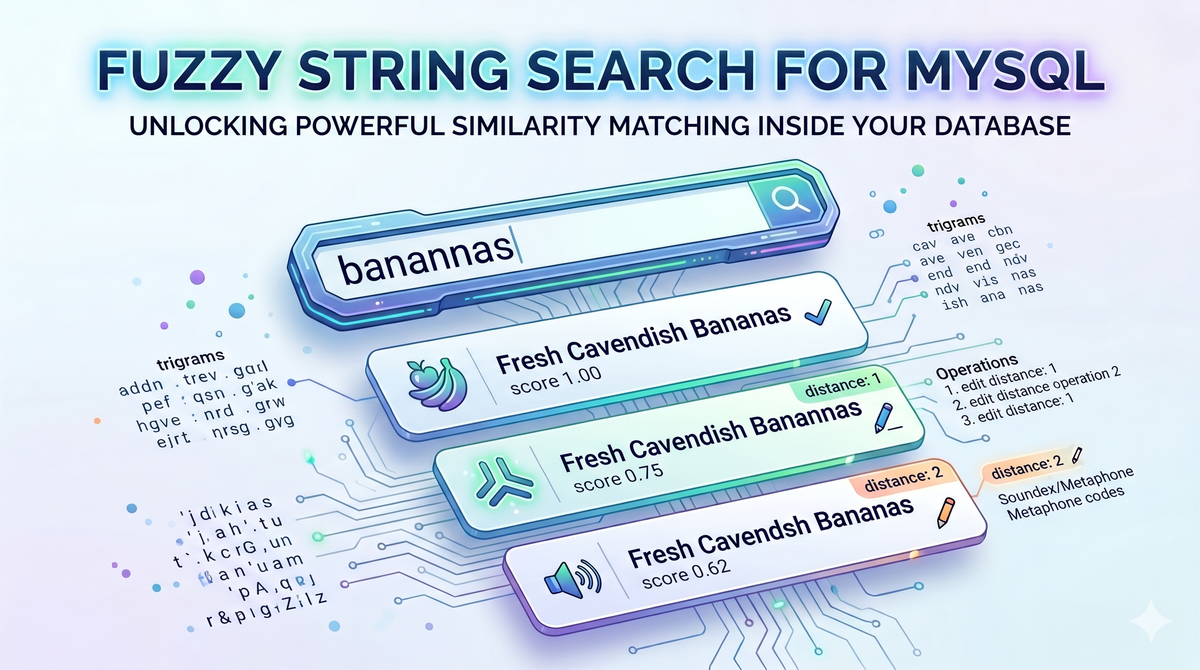
MySQL's string matching is precise by design. LIKE '%shirt%' finds "shirt." It won't find "shrt" or "shrit" or anything a user actually typed when they meant "shirt." Handling that in MySQL means regex patterns that grow unwieldy or full-text search that doesn't rank results by closeness. Usually it means punting the whole problem to the application layer.
Two VillageSQL extensions bring fuzzy matching into SQL: vsql-trgm for character-level similarity, and vsql-fuzzystrmatch for edit distance and phonetic matching. They solve different problems — knowing which to reach for is half the work. VillageSQL is a drop-in replacement for MySQL — if you're running MySQL, you can swap it in and install extensions without changing your application.
Trigrams: when strings look similar
Unlike the exact matching of LIKE, trigram similarity is computed by counting shared trigrams — groups of 3 consecutive characters. "cat" and "bat" share one trigram ("at "), scoring 0.25. The difference is easiest to see side by side. Given a product table with a few misspelled entries:
-- LIKE: exact substring match only
SELECT name FROM products WHERE name LIKE '%adidas%';
-- Adidas Originals

-- trgm_word_similarity: ranked by closeness, catches near-matches too
SELECT name, ROUND(vsql_trgm.trgm_word_similarity('adidas', name), 2) AS score
FROM products
WHERE vsql_trgm.trgm_word_similarity('adidas', name) > 0.5
ORDER BY score DESC;
-- Adidas Originals   | 1.00
-- Adidaas Originals  | 0.75
-- Adidias Originals  | 0.62
LIKE returns the one row it's certain about. The similarity query returns all three, ranked — the exact match at the top, the typos close behind.
More generally, a product catalog with inconsistent entries — misspellings, extra words, alternate brand names — becomes much easier to query:
SELECT name
FROM products
WHERE vsql_trgm.trgm_similarity(name, 'adidas') > 0.3
ORDER BY vsql_trgm.trgm_similarity(name, 'adidas') DESC;
The threshold (> 0.3) sets the minimum closeness. Results are sorted by how good a match they are. You can adjust it up for stricter matches, down to cast a wider net. Comparison is case-insensitive. You can inspect the trigrams any string generates:
SELECT vsql_trgm.trgm_show('cat');
-- ["  c"," ca","at ","cat"]

SELECT vsql_trgm.trgm_similarity('cat', 'bat');
-- 0.25
If you want to test a threshold interactively before baking it into a query, trgm_similar_threshold takes it as an explicit argument:
SELECT vsql_trgm.trgm_similar_threshold('cat', 'bat', 0.2);
-- 1  (0.25 meets the 0.2 cutoff)

SELECT vsql_trgm.trgm_similar_threshold('cat', 'bat', 0.3);
-- 0  (0.25 falls short of 0.3)
The threshold must be between 0 and 1. Out-of-range values return NULL with a warning rather than throwing a hard error.
trgm_similarity compares two strings as a whole. When one side is a phrase or sentence, use trgm_word_similarity instead — it finds the best-matching substring of the longer string for the query term rather than comparing the full text:
SELECT vsql_trgm.trgm_word_similarity('hello', 'hello world');
-- 1

SELECT vsql_trgm.trgm_word_similarity('cat', 'a cat sat on a mat');
-- 1
trgm_strict_word_similarity works the same way but requires the match to align with word boundaries — useful when you need cleaner matches and don't want partial-word hits to score high.
Each function has a _distance companion (trgm_distance, trgm_word_distance, trgm_strict_word_distance) that returns 1 − similarity. Use whichever makes the ORDER BY read more naturally. There are also boolean _similar variants (trgm_similar, trgm_word_similar, trgm_strict_word_similar) with sensible default thresholds (0.3, 0.6, and 0.5 respectively) for quick predicate use. All 11 functions return NULL if either argument is NULL.
Edit distance: when you need a precise measure
Trigrams tell you how similar two strings look. Edit distance tells you exactly how many operations it would take to turn one string into the other. That distinction matters when you're building spell correction, deduplication logic, or any query where you need a hard cutoff rather than a similarity score.
levenshtein counts the minimum number of inserts, deletes, and substitutions needed to transform one string into another, all at equal cost:
SELECT vsql_fuzzystrmatch.levenshtein('kitten', 'sitting');  -- 3
SELECT vsql_fuzzystrmatch.levenshtein('cat', 'cat');          -- 0
For filtering rows by closeness — finding all names within 2 edits of a search term, for example — levenshtein_less_equal is more efficient. It short-circuits once the distance exceeds the threshold, returning max_d + 1 rather than continuing the full computation. That sentinel is always larger than the threshold, so <= max_d in a WHERE clause naturally excludes non-matching rows:
SELECT name
FROM dictionary
WHERE vsql_fuzzystrmatch.levenshtein_less_equal(name, 'kitten', 2) <= 2;

SELECT vsql_fuzzystrmatch.levenshtein_less_equal('kitten', 'sitting', 5);  -- 3 (actual distance)
SELECT vsql_fuzzystrmatch.levenshtein_less_equal('kitten', 'sitting', 1);  -- 2 (max_d+1; actual distance exceeds threshold)
When different operations should carry different weight, levenshtein_cost and levenshtein_less_equal_cost accept per-operation costs. The VillageSQL Extension Framework (VEF) doesn't support function overloading, so these are distinct names rather than overloaded variants of levenshtein — the same naming pattern PostgreSQL exposes internally, just surfaced directly here:
-- Substitutions cost 10; inserts and deletes cost 1 each.
-- The cheapest path is delete 'abc' and insert 'xyz' (6 ops × 1)
-- rather than substitute all 3 characters (3 × 10 = 30).
SELECT vsql_fuzzystrmatch.levenshtein_cost('abc', 'xyz', 1, 1, 10);  -- 6
Asymmetric costs make sense when your domain has asymmetric errors — OCR misreads where a deletion is more likely than a substitution, keyboard-adjacency scoring where nearby keys should cost less to swap, or any case where the real-world likelihood of each error type differs. Both input strings must be 255 characters or shorter.
Phonetic matching: when strings sound similar
Trigrams and edit distance work on characters. They'll tell you "Smith" and "Smythe" are close — but they won't know that "Catherine" and "Kathryn" are the same name spelled differently. Phonetic algorithms encode how a string sounds, so you can find matches across spelling variations that character-level comparisons miss.
soundex returns a 4-character phonetic code. Strings that sound alike in English produce the same code:
SELECT vsql_fuzzystrmatch.soundex('Robert');  -- R163
SELECT vsql_fuzzystrmatch.soundex('Rupert');  -- R163
SELECT vsql_fuzzystrmatch.soundex('Smith');   -- S530
SELECT vsql_fuzzystrmatch.soundex('Smythe');  -- S530
difference gives you a 0–4 score for how many Soundex characters match — useful for ranking phonetic closeness rather than requiring an exact code match:
SELECT vsql_fuzzystrmatch.difference('Robert', 'Rupert');  -- 4
SELECT vsql_fuzzystrmatch.difference('Robert', 'Sylvia');  -- 0
Soundex was designed for English names. When you're dealing with names from multiple linguistic backgrounds, Metaphone handles more pronunciation rules and produces variable-length codes:
SELECT vsql_fuzzystrmatch.metaphone('Robert', 10);    -- RBRT
SELECT vsql_fuzzystrmatch.metaphone('Thompson', 10);  -- 0MPSN  (TH → 0)
SELECT vsql_fuzzystrmatch.metaphone('Robert', 2);     -- RB  (truncated)
The second argument caps the output length — tighter limits increase recall (more strings match the shorter code) at the cost of precision.
Double Metaphone goes further, generating a primary code and an alternate that captures ambiguous pronunciations across different language origins:
SELECT vsql_fuzzystrmatch.dmetaphone('Schmidt');      -- XMT  (German-influenced)
SELECT vsql_fuzzystrmatch.dmetaphone_alt('Schmidt');  -- SMT  (anglicized)

SELECT vsql_fuzzystrmatch.dmetaphone('Robert');       -- RPRT
SELECT vsql_fuzzystrmatch.dmetaphone_alt('Robert');   -- RPRT (no alternate)
For name deduplication across international data, matching on either dmetaphone or dmetaphone_alt gives much better recall than Soundex alone. A customer lookup that handles both spelling and pronunciation variation:
SELECT name, email
FROM customers
WHERE vsql_fuzzystrmatch.dmetaphone(name)     = vsql_fuzzystrmatch.dmetaphone('Schmidt')
   OR vsql_fuzzystrmatch.dmetaphone_alt(name) = vsql_fuzzystrmatch.dmetaphone_alt('Schmidt');
A single pass finds "Schmidt", "Schmitt", and "Schmid" — all spelled differently, all resolved to the same phonetic codes.
Choosing the right approach
Trigrams work best for product search, content lookup, and any case where a user might have a typo or alternate phrasing. They produce a ranked score rather than a hard count, and there's no string length restriction.
Levenshtein is the right choice for spell correction, deduplication, or anywhere you need an exact count of character operations. Use levenshtein_less_equal for WHERE clause filtering — it short-circuits early and skips the full computation for strings that won't make the cut. Input is capped at 255 characters.
Soundex, Metaphone, and Double Metaphone are for name search and customer lookup where the same entity might be spelled multiple ways based on how someone heard it. Double Metaphone is the right default for international data; Soundex is simpler but covers English pronunciation rules only.
The two extensions aren't mutually exclusive. A name search can OR a trigram condition with a Double Metaphone condition in the same WHERE clause — the trigram arm catches typographic drift ("Smth" → "Smith"), the phonetic arm catches the same name spelled differently based on how it sounded ("Smythe" → "Smith"). Different failure modes, one pass.
For a different kind of similarity — comparing multi-dimensional numerical data, coordinates, or attribute ranges — vsql-cube takes a geometric approach with Euclidean, Manhattan, and Chebyshev distance operators.
Get started
Both extensions are installed the same way — one command each after VillageSQL is running:
INSTALL EXTENSION vsql_trgm;
INSTALL EXTENSION vsql_fuzzystrmatch;
The phonetic functions’ (soundex, metaphone, dmetaphone, dmetaphone_alt) behavior matches the behaviors of the PostgreSQL fuzzystrmatch API. The behaviors of the Levenshtein functions also match their PostgreSQL extension functions, with the caveat that overloaded variants become distinct names (levenshtein_cost instead of levenshtein(s1, s2, ins, del, sub)) because VEF doesn't support arity-based dispatch.
The source, installation instructions, and full function documentation is at vsql-trgm on GitHub and vsql-fuzzystrmatch on GitHub. If you hit a wall or want to contribute a fix, file an issue to the extension’s repo or drop by Discord.
Get started with VillageSQL at villagesql.com.